
Last Updated: June 18, 2026
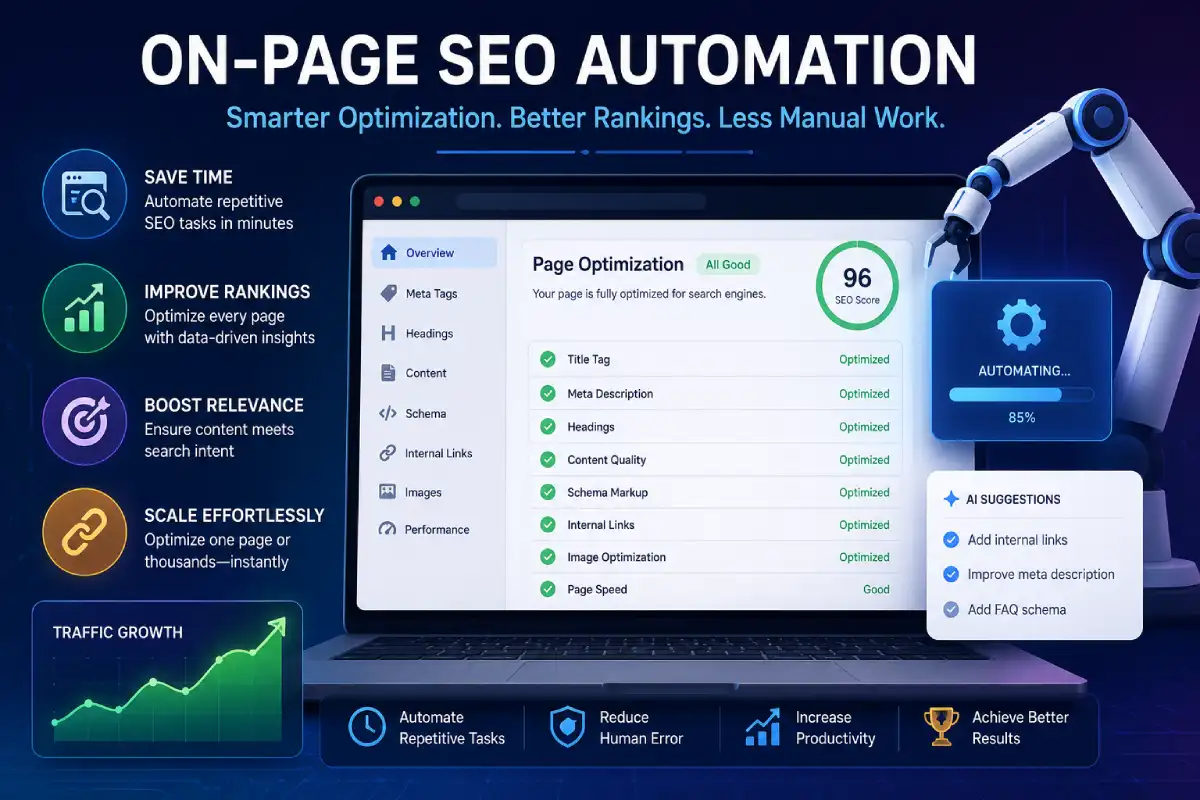
On page SEO automation- Automation for tedious optimization tasks performed on the web page itself. Tools, scripts, plugins or even AI workflows automate on page optimization.
These tasks can include:
- generating title tags and meta descriptions
- suggesting keyword placement
- creating schema markup
- finding internal linking opportunities
- checking missing alt text
- spotting weak headings
- flagging duplicate metadata
- auditing content for optimization gaps
The goal is really simple: to make your optimized pages load fast and load fast consistently.
Automation is best when it’s complementing what you are doing: i.e. Not replacing your SEO efforts, helping them.
Table of Contents
Why On-Page SEO Automation Matters

These pages get hit with ranking penalties because, as far as content goes, they simply do the basics wrong.
One page has a strong title tag. Another one does not.
One blog post has internal links. Another has none.
One product page uses schema. Another is missing it completely.
That kind of inconsistency hurts performance over time.
Automation helps because it:
- saves time on repetitive SEO tasks
- keeps large websites more consistent
- reduces human error
- speeds up audits and updates
- helps teams optimize more pages in less time
- makes scaling easier for growing websites
In a small team this may be the difference between slow publication and organized publication.
Manual vs Automated On-Page SEO
| Area | Manual SEO | Automated SEO | Best Use |
| Title tags | Written one by one | Generated or suggested in bulk | Large websites, repeated page types |
| Meta descriptions | Handwritten for every page | Template-based or AI-assisted | Blogs, product pages, landing pages |
| Internal links | Added manually | Suggested by tools | Content libraries, topic clusters |
| Schema markup | Added by code or plugin settings | Auto-generated from page type | Local SEO, articles, products, FAQs |
| Content audits | Time-consuming | Fast crawl-based reports | Websites with many pages |
| Alt text | Added manually | Suggested through workflows | Image-heavy pages |
| Updates | The speed is very slow and unreliable | Planned/Bulk Editing | Sites with frequent content changes |
Automation does saves time but human inspection still is necessary. Automation might provide a title tag, but human will determine if it reads naturally, fit intent and brand persona.
Automated On-Page SEO Checklist

The list above is suitable for use within the context of blogs, service pages and content clusters.
1. Optimize the title tag
- Keep it clear and keyword-focused
- Make sure it matches search intent
- Avoid duplicate titles across pages
2. Improve the meta description
- Write a short summary that encourages clicks
- Include the main keyword naturally
- Keep it useful, not stuffed
3. Use proper heading structure
- One H1 per page
- Logical H2 and H3 subheadings
- Headings should help readers scan the page
4. Add internal links
- Link to related cluster pages
- Use descriptive anchor text
- Avoid forcing links where they do not belong
5. Add schema markup
- Use Article, FAQ, Product, Local Business, or Breadcrumb schema where relevant
- Match the schema to the page type
This kind of checklist, is of course, much more useful when automated using tools and templates.
AI-Powered On-Page SEO Tools
The repetitive, pattern-recognizing and standardization parts of SEO are something AI-driven tools are excellent at.
They are especially useful for:
- generating SEO suggestions
- creating outlines from target keywords
- rewriting title tags and meta descriptions
- identifying missing elements on a page
- recommending internal link opportunities
- creating content briefs for writers
- spotting optimization gaps at scale
What these tools usually do well
- analyze patterns quickly
- reduce repetitive editing
- support large content teams
- speed up SEO workflows
- help beginners avoid common mistakes
Where they still need human review
- brand tone
- factual accuracy
- search intent alignment
- user experience
- originality
- natural flow
AI is good at acceleration. It is not good at thinking like your audience unless a human guides it.
Comparison Table: Common On-Page SEO Automation Options
| Tool Type | Main Purpose | Strengths | Limitations | Best For |
| SEO plugin | Basic on-page optimization | Easy setup, title/meta control, schema options | Limited strategic depth | WordPress sites |
| Content optimization tool | Keyword and content suggestions | Helps improve topical coverage | Can overfocus on keywords | Blog content teams |
| Site crawler | Technical on-page audits | Finds errors at scale | Needs interpretation | Large websites |
| Internal linking tool | Suggests or adds links | Saves time, improves cluster linking | Can create awkward links if unchecked | Content-heavy sites |
| Schema generator | Creates structured data | Faster markup implementation | Must match page type correctly | Articles, FAQs, local pages |
| AI writing assistant | Drafts and rewrites SEO elements | Fast idea generation | Needs editing for tone and accuracy | Marketing teams |
Most setups are a combination of these rather than a single one.
Automate Meta Tag Optimization
Meta tags are small, but they matter a lot.
An irrelevant title tag is going to make your click-through rate very low. The meta description if not engaging, and will make the page irrelevant to the user. With tens or hundreds of pages being written, writing them manually quickly becomes a bottle-neck.
That is why meta tag automation is so useful.
What can be automated
- page title templates
- meta description templates
- duplicate tag detection
- missing tag alerts
- bulk editing suggestions
Smart template example
| Page Type | Title Template | Meta Description Template |
| Blog post | Primary Keyword + Supporting Phrase | Short benefit-driven summary with keyword |
| Service page | Service + Location/Benefit | Value statement + trust signal |
| Product page | Product Name + Key Feature | Clear product summary + reason to click |
| Category page | Category + Use Case | Helpful overview of the category |
Templates are not meant to sound robotic. They are there to give structure. The final version should still sound natural and relevant.
Best practices
- keep titles readable
- avoid repetitive formulas across the site
- make each page unique
- test click-through performance over time
Schema Markup Automation
Schema markup helps search engines understand what a page is about.
That can improve how pages are interpreted and may support richer search appearance. For websites publishing at scale, schema is one of the easiest areas to automate.
Common schema types to automate
- Article
- FAQ
- Breadcrumb
- Product
- LocalBusiness
- Review
- Organization
Why automate schema?
- saves coding time
- keeps markup consistent
- reduces errors
- makes it easier to apply schema sitewide
- helps content teams publish faster
Simple schema workflow
| Step | Action |
| 1 | Identify page type |
| 2 | Choose the correct schema format |
| 3 | Fill in required fields |
| 4 | Validate the markup |
| 5 | Monitor search appearance |
Schema should always match the real content on the page. Misleading markup can create problems instead of solving them.
Automated Internal Linking Tools
One of the most undervalued SEO jobs, and an important one at that, is the one about internal linking.
It will guide your users to additional resources, and it will help the search engines to grasp the site structure. In large websites this might get really tricky if you’re to do it all by hand.
That’s where internal linking tools come in handy and automate this for you.
What they can do
- suggest relevant pages to link
- identify orphan pages
- map topic clusters
- insert links based on keywords
- highlight overlinked or under linked content
Why it helps
- improves crawl paths
- distributes authority better across pages
- connects related content
- supports cluster strategy
- saves editors a lot of time
Internal linking rules to follow
- keep anchor text natural
- avoid stuffing the same exact keyword everywhere
- link only where the context fits
- prioritize the most important pages
- review automated suggestions before publishing
It’s typically a well-developed topic cluster and not just a random archive due to the strength of an internal linking network.
A Practical Workflow for On-Page SEO Automation
Here is a simple workflow that works for most websites:
- Create a page template for titles, meta descriptions, and headings.
- Use a crawler to find missing or duplicate tags.
- Apply AI suggestions to draft meta data and content improvements.
- Generate schema based on page type.
- Review internal link opportunities from related content.
- Check image optimization and alt text.
- Validate everything manually before publishing.
- Track results in rankings, impressions, clicks, and engagement.
This workflow keeps SEO organized without making the content feel machine-made.
Best Use Cases for On-Page SEO Automation
Automation is especially useful when:
- Your site has many pages
- You publish content regularly
- You manage topic clusters
- Your team is small
- You need SEO consistency across pages
- you run product, service, or location pages
- You are updating old content at scale
Less value is derived when the page content is completely unique and the custom strategy is deep. In such instances, automation should aid, not drive, the work.
Final Thoughts
Automation for on-page SEO is not about removing the human. It’s about removing the repetition so the human matters more.
The best SEO teams will use automation for structure, speed, and consistency. They’ll allow human resources to focus on tone, clarity, intent and trust.
That marriage results in manageable, scalable, search friendly content.
FAQ
What is on-page SEO automation?
And where you automate the dull repetitive stuff for on page seo using tools and processes (metadata, schema, internal linking and audits)
Does on-page SEO automation replace manual SEO work?
No. Automation takes care of repetitive jobs more quickly. But editing, quality control and strategy still require a human.
What are the easiest on-page SEO jobs to automate?
Titles tags, meta description, schema mark up, suggested internal links, images check and content audit.
Is automated internal linking safe?
Yes, when reviewed carefully. It works best when the links are relevant and placed naturally.
Can schema markup be automated?
Yes. Many tools and plugins can generate schema based on the page type, but it still needs validation.